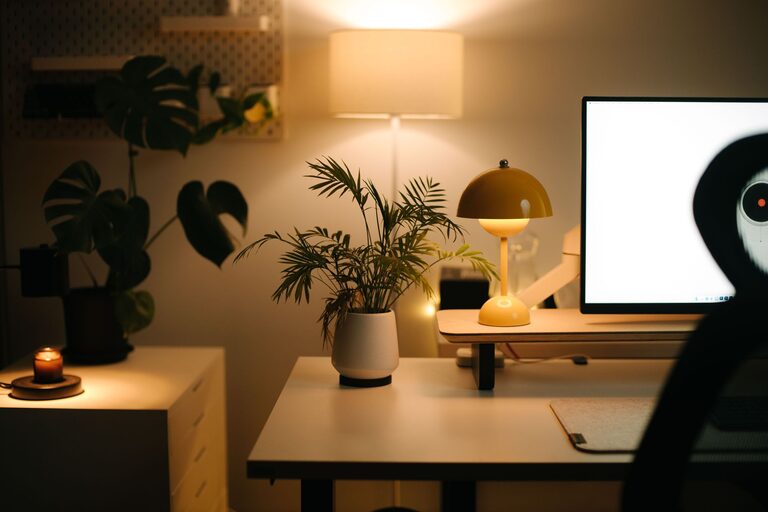

Creating a home office that is both comfortable and productive is key to working efficiently and enjoying your time at your workspace. Whether you are new to working from home or looking to improve your current setup, there are several factors to consider that can help you build a space tailored to your needs.
Choose the Right Location
Selecting the best spot in your home for your office space is the first step. Ideally, choose a quiet area with minimal distractions and enough room for your equipment.
Consider Natural Light
Natural light has a positive impact on mood and focus. Position your desk near a window where daylight can illuminate your space. If natural light is limited, invest in good quality artificial lighting that mimics daylight to reduce eye strain.
Minimize Noise
If your chosen area is prone to noise, consider soundproofing options or use noise-cancelling headphones. A quiet workspace helps maintain concentration and keeps interruptions to a minimum.
Invest in Ergonomic Furniture
Comfort is critical when you spend long hours working. Ergonomic furniture supports your body and prevents discomfort or injury.
Desk
Choose a desk with enough surface area to hold your computer, documents, and other essentials. Adjustable desks, especially sit-stand options, allow you to change positions throughout the day, which is beneficial for health.
Chair
A good office chair should support your lower back, promote good posture, and be adjustable to fit your height and desk. Look for chairs with lumbar support, adjustable armrests, and breathable fabrics.
Organize Efficiently
A clutter-free environment helps clear your mind and improves focus. Use storage solutions to keep your workspace organized.
Use Shelving and Cabinets
Install shelves or cabinets to store books, files, and supplies. Keeping these off your desk surface saves space and reduces distraction.
Desk Organizers
Use trays, holders, or drawer organizers to keep pens, paperclips, and other small items tidy and easily accessible.
Optimize Technology and Connectivity
Reliable technology is essential for smooth remote work.
High-Speed Internet
Ensure you have a strong internet connection for video calls and online collaboration tools. If your office is far from the modem, consider a Wi-Fi extender or a wired connection.
Quality Equipment
Use a good computer, comfortable keyboard, and mouse. Consider ergonomic accessories like a wrist rest to prevent fatigue.
Cable Management
Organize cables with clips, sleeves, or under-desk trays to avoid tangling and maintain a clean look.
Personalize Your Space
Adding personal touches can make your office more inviting and inspiring.
Decor
Choose colors and decor that motivate you. Plants, artwork, or meaningful objects can create a pleasant atmosphere.
Comfort Items
Include items such as a cozy throw, cushion, or a small fan or heater to maintain comfort throughout the year.
Maintain Good Habits
Finally, how you use your space affects productivity.
Set Boundaries
Define your working hours to create a separation between work time and personal time, especially if your office is in a shared area of the home.
Take Breaks
Schedule regular breaks away from your desk to stretch and rest your eyes. This can help maintain focus and reduce stress.
Keep the Space Clean
Regularly clean and tidy your office area to keep it inviting and efficient.
—
By thoughtfully choosing your office location, investing in ergonomic furniture, organizing effectively, and personalizing your workspace, you can create a home office that supports your comfort and enhances your productivity. Remember that your workspace should work for you, so adjust and improve it over time as your needs change.
About the Author