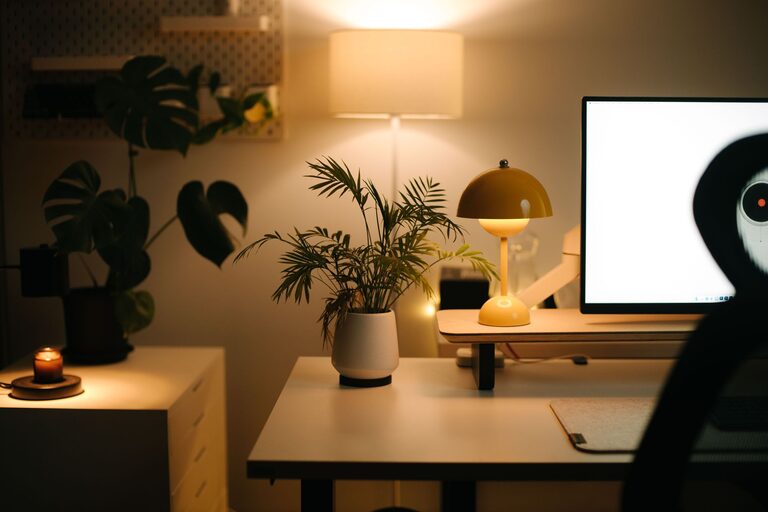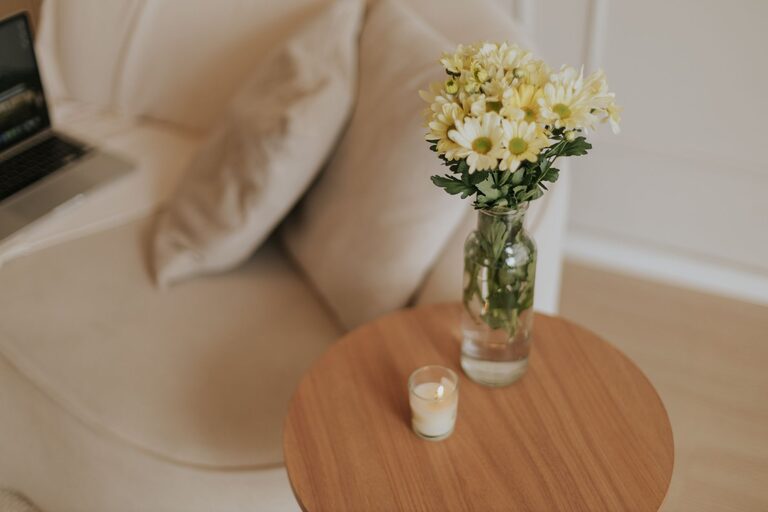
Creating a home workspace that is both cozy and functional can transform your daily work routine. Whether you work remotely, study, or just need a dedicated spot for projects, a well-designed workspace boosts comfort and productivity. Here are practical tips to help you create a home workspace that invites focus and feels welcoming.
Choose the Right Location
Start by picking a spot in your home that suits your work style. Ideally, it should be quiet and away from high-traffic areas to minimize distractions.
– Natural Light: Position your desk near a window, if possible, to take advantage of natural light. This can improve mood and reduce eye strain.
– Privacy: If you share your home, consider a room with a door or use room dividers to create a dedicated space.
– Space: Ensure there’s enough room for your desk, chair, and any equipment or materials you need.
Invest in Ergonomic Furniture
Comfort is key when you spend hours at your desk. Ergonomic furniture supports good posture and reduces the risk of discomfort or injury.
– Chair: Choose an adjustable chair with good lumbar support.
– Desk: A desk that fits your needs—whether adjustable height or standard—helps maintain proper positioning.
– Accessories: Consider ergonomic keyboards, mouse pads with wrist support, and monitor stands to align your screen at eye level.
Optimize Lighting
Good lighting helps prevent eye fatigue and keeps you alert.
– Task Lighting: Use desk lamps with adjustable brightness for focused tasks.
– Ambient Lighting: Combine overhead lighting with softer sources like floor lamps for a balanced environment.
– Reduce Glare: Position screens to avoid glare from windows or lights.
Personalize Your Space
Adding personal touches makes your workspace inviting.
– Colors: Use colors that calm or energize you—soft blues and greens for relaxation, or warmer colors for stimulation.
– Decor: Incorporate plants, artwork, or photos to create a pleasant atmosphere.
– Scent: A subtle scent from candles or essential oils can enhance comfort.
Organize Efficiently
Clutter can hinder focus. Keeping your workspace tidy helps you stay productive.
– Storage Solutions: Use shelves, filing cabinets, or desk organizers to keep items in order.
– Cable Management: Use clips or sleeves to tidy cables and prevent tangling.
– Daily Cleanup: Spend a few minutes at the end of each day clearing your desk.
Incorporate Technology Thoughtfully
Make sure your technology supports your work without causing distractions.
– Reliable Internet: A strong connection is vital for most work tasks.
– Monitor Setup: Consider dual monitors if you multitask.
– Noise Control: Use noise-canceling headphones or white noise machines if needed.
Create a Routine-Friendly Layout
Design your space to encourage productive habits.
– Keep Essentials Close: Place frequently used items within easy reach.
– Define Zones: Separate areas for work, break, and storage to help switch mental gears.
– Adjust as Needed: Experiment with layout changes to find what works best for your workflow.
Add Comfort Elements
Incorporate elements that keep you comfortable throughout the day.
– Temperature Control: Use fans, heaters, or open windows to maintain a comfortable temperature.
– Footrest: A footrest can improve circulation and posture.
– Break Area: If space allows, create a small spot with a comfy chair or cushion for breaks.
Maintain Work-Life Balance
Finally, make sure your home workspace supports a healthy balance.
– Clear Boundaries: Use physical or visual cues to separate work time from personal time.
– Declutter After Work: Putting away work materials signals the end of the day.
– Time Management Tools: Use timers or apps to structure work and rest periods.
—
Creating a cozy and functional home workspace doesn’t require a large investment or extensive remodeling. Focusing on comfort, organization, and personalization ensures your space supports your needs and helps you stay motivated. With these tips, you can design a workspace that’s not only effective but also a place you enjoy spending time.
About the Author